
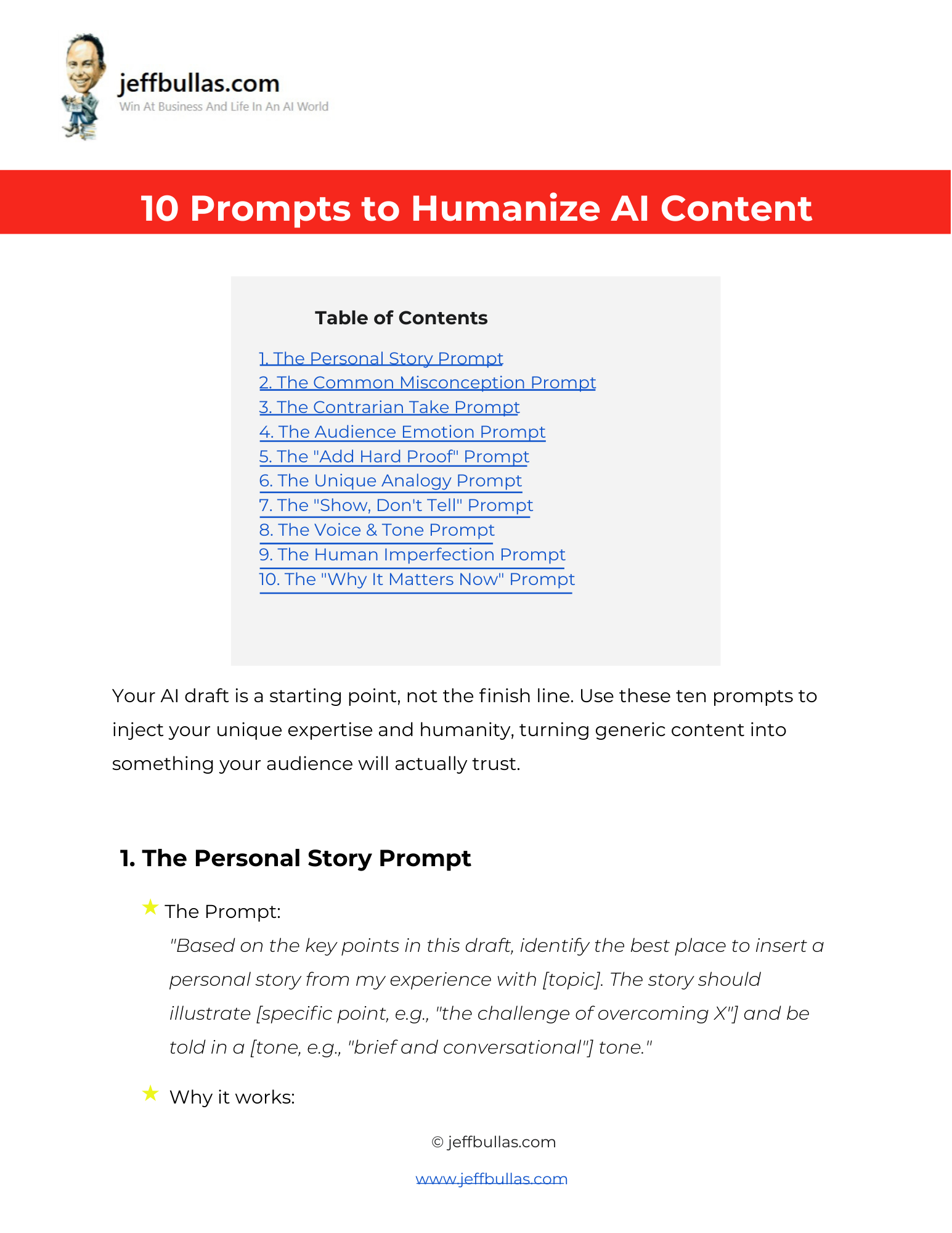

This resource provides 10 copy-and-paste prompts to help you inject your unique expertise, stories, and voice into an AI-generated draft. It helps you turn generic, robotic content into something your audience will trust and remember.
10 Prompts to Humanize AI Content
This document offers ten specific, actionable prompts designed to elevate an AI-generated draft from a generic starting point to a credible, humanized final piece. The prompts are structured to help you add layers of authenticity, authority, and emotional connection that an AI cannot replicate on its own.
How this helps you apply the information
This resource is built for action. Each of the ten items is a specific, copy-and-paste prompt that you can use directly with an AI tool on your own drafts. It provides a tangible workflow for refining AI content.
Who is this ideal for?
This document is ideal for content creators, marketers, and business owners who use AI for content creation but want to ensure their final output is unique, credible, and builds a strong connection with their audience.
Concluding thought
By using these prompts, you can treat your AI draft as a starting point, not the finish line, allowing you to consistently produce content that has the speed of AI but the irreplaceable touch of human experience and expertise.
How to Use This
- Make Your Own Editable Copy:
- Open the link provided to access the master Google Doc.
- Once the Google Doc is open, navigate to the menu: File > Make a copy.
- A dialog box will appear. You can rename your copy if you wish and choose where to save it in your personal Google Drive.
- Click “Make a copy.” This action saves an editable version of the document to your Google Drive.
- Using the Prompts:
- Start with your AI-generated draft.
- Review the 10 prompts in this document and choose 2-3 that best fit your goals for the piece.
- Copy the chosen prompt and customize the bracketed text (e.g., [topic], [audience type]) with your specific details.
- Use the customized prompt with your AI tool to refine and add new sections to your draft.
- Repeat with other prompts as needed to layer in more humanity and credibility.
Frequently Asked Questions
What is the “Contrarian Take” prompt?
It’s a prompt that asks the AI to add a new section to your draft that challenges a popular piece of advice on a topic, explains why that common advice fails, and offers a better alternative.
How can I make my AI content connect more emotionally with my audience?
You can use The Audience Emotion Prompt, which rewrites key takeaways to connect directly to the biggest fears or aspirations of your target audience.
What is the best way to add credibility to claims in an AI draft?
The “Add Hard Proof” Prompt identifies the boldest claims in the draft and suggests where to add specific proof, such as a statistic, a link to a case study, or a quote from an expert.
How can I make the AI’s writing style sound more like my own?
You can use The Voice & Tone Prompt, where you describe your unique voice (e.g., “skeptical but helpful”) and ask the AI to rewrite the draft to match it, even incorporating a signature sign-off.
What is a “Human Imperfection” prompt?
This prompt helps you identify a place in the draft to mention a past failure or a lesson you learned the hard way, making you more relatable and your advice more valuable.
How can I make my conclusion more effective?
Use The “Why It Matters Now” Prompt to rewrite the conclusion to emphasize why the information is critically important for the reader at this moment and provide one simple, immediate action they can take.