
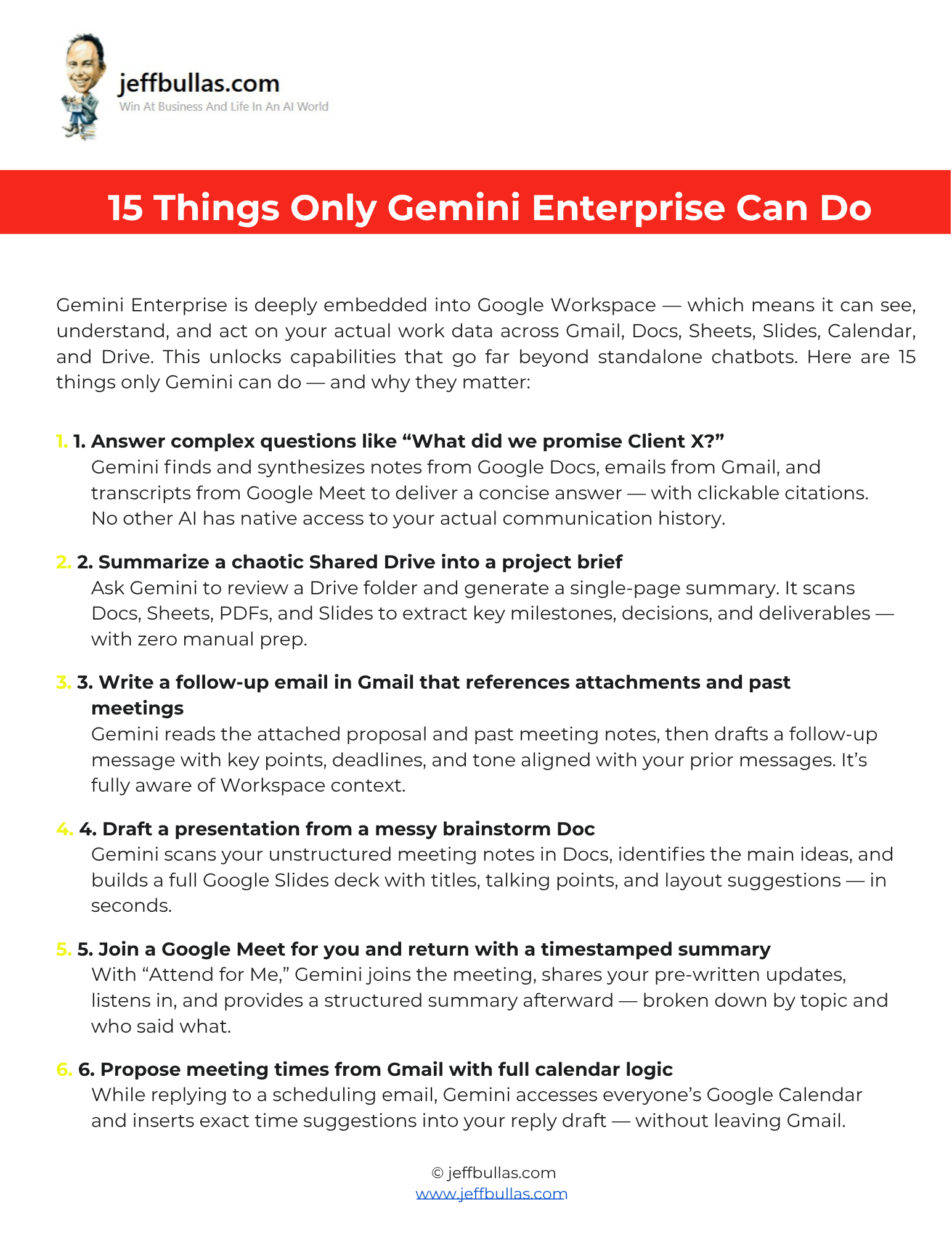
This resource shows you 15 powerful automation capabilities that are unique to Gemini Enterprise. It demonstrates how Gemini’s deep integration into Google Workspace (Gmail, Docs, Sheets, etc.) allows it to understand and act on your actual work data, unlocking workflows that standalone chatbots cannot perform.
15 Things Only Gemini Enterprise Can Do
This document details 15 impressive features of Gemini Enterprise, which is deeply embedded into Google Workspace and can access and understand your data across Gmail, Docs, Sheets, Calendar, and Drive. This native access allows it to perform complex tasks like answering a question such as “What did we promise Client X?” by finding and synthesizing notes from Docs, emails from Gmail, and transcripts from Google Meet. It also highlights capabilities like having Gemini “Attend for Me” in a Google Meet, where it can join, share your updates, and provide a timestamped summary afterward. The resource also showcases how Gemini can draft a full Google Slides presentation from a messy brainstorm in a Google Doc or even turn a written script into a narrated video using Google Vids.
How this helps you apply the information
This list acts as an idea bank for action. You can scan the 15 use cases to find a specific, tangible workflow that solves a current problem—like summarizing a chaotic Shared Drive or drafting a follow-up email that references past meetings —and apply it directly in your Workspace.
Who is this ideal for?
This resource is ideal for any professional or team using Google Workspace who wants to leverage AI to automate complex, multi-app workflows and move beyond simple text generation.
Concluding thought
By using these 15 features, you can leverage the real power of Gemini Enterprise: not just generating text, but acting across all your apps, data, and workflows without ever leaving Google Workspace.
How to Use This
- Make Your Own Editable Copy:
- Open the link provided to access the master Google Doc.
- Once the Google Doc is open, navigate to the menu: File > Make a copy.
- A dialog box will appear. You can rename your copy if you wish and choose where to save it in your personal Google Drive.
- Click “Make a copy.” This action saves an editable version of the document to your Google Drive.
- Using Your Use Case List:
- Review the list of 15 capabilities.
- Choose a use case that solves a frequent problem for you (e.g., summarizing Drive folders or creating presentations from notes).
- Try the suggested action directly within your Google Workspace apps (Docs, Gmail, Sheets, etc.).
Frequently Asked Questions
What makes Gemini Enterprise different from standalone chatbots?
Gemini Enterprise is deeply embedded into Google Workspace, which means it can see, understand, and act on your actual work data across Gmail, Docs, Sheets, Calendar, and Drive.
Can Gemini join a meeting for me?
Yes, with the “Attend for Me” feature, Gemini can join a Google Meet on your behalf, share your pre-written updates, and provide a structured summary after the meeting.
How does Gemini help with email?
Gemini can draft a follow-up email in Gmail that references attachments and past meeting notes, aligning the tone with your prior messages. It can also access everyone’s Google Calendar while you’re in Gmail to insert exact time suggestions into a reply draft.
Can Gemini create presentations?
Yes, Gemini can scan your unstructured meeting notes in a Google Doc, identify the main ideas, and build a full Google Slides deck with titles, talking points, and layout suggestions.
How does Gemini handle information from multiple sources?
It can find and synthesize notes from Google Docs, emails from Gmail, and transcripts from Google Meet to deliver a single, concise answer to a complex question. It can also scan an entire Drive folder (Docs, Sheets, PDFs, Slides) to generate a one-page project summary.
Can Gemini help with Google Sheets?
Yes, it can explain complex spreadsheet formulas or build them for you from scratch based on a plain-English request. It can also create a full content calendar in Sheets from a simple prompt like “Plan November socials”.