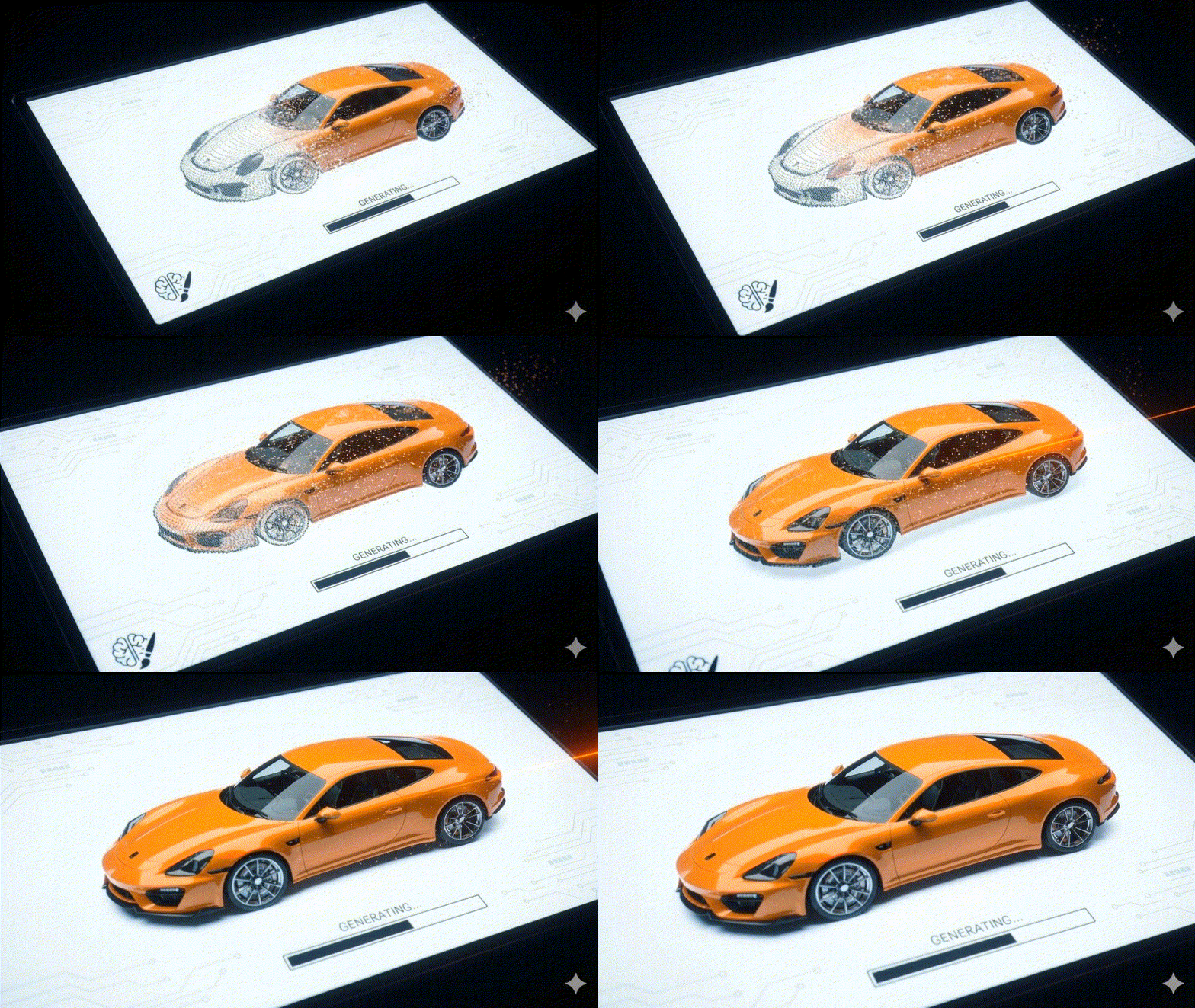
In late 2025, AI image generators are no longer judged just by how smart they are—they’re now valued for how easily they fit into your workflow. Instead of using separate apps, teams prefer AI that works directly inside the tools they already use. This saves time and mental energy by eliminating the constant switching between programs, letting creators focus on making great images instead of managing software.
Inside, we rank the operational winners based on the three factors that actually matter: the Scalability champion for assets that stay sharp from business card to billboard, the Compliance standard for avoiding lawsuits, and the Integration leader that stops you from wasting hours switching tabs.”
Vector Graphic & Logo Architecture
What changed: The “Zoom Barrier” is broken. For years, AI images were made of pixels—tiny colored dots that turn blurry if you try to enlarge them. The new standard is “Vector” graphics. Instead of dots, these images are built from mathematical formulas, meaning they stay perfectly sharp whether you print them on a small business card or a massive billboard.
Recraft
Recraft remains the only tool that has solved the pixel problem. While other models—even the newest Gemini 3.0—generate beautiful hallucinations that turn into blurry blocks (pixels) when you zoom in, Recraft generates true vector geometry. Because professional logos must be scalable to any size without losing quality, it treats generation not as painting, but as an architectural blueprint, allowing you to export files as SVGs (Scalable Vector Graphics). This makes it the only viable choice for logos, icons, and billboard-scale assets.
Features:
- Native SVG Export: Generates editable mathematical paths (vectors), ensuring lines remain smooth at any size.
- Style Sets: Generate 50+ icons that share an identical visual identity.
- Infinite Canvas: A workspace for layout and iteration rather than single-image prompting.
- Vectorize Legacy Assets: Converts low-res raster JPEGs into clean, scalable vectors.
User Experience:
The interface feels like Figma, not a chatbot. It offers granular control over palettes and complexity, catering to designers who need precision over randomness.
Pros:
- The only professional choice for logo design.
- Outputs are print-ready at any size.
- Clean, geometric aesthetics that avoid the “AI smudge.”
Cons:
- Struggles with hyper-realistic photography (not its purpose).
- Smaller community library compared to Midjourney.
Best for: Branding agencies, UI/UX designers, and print media professionals.
The Contenders
- Adobe Illustrator (Text to Vector): The best choice if you are already paying for Creative Cloud, though generation is slower than Recraft.
- Kittl: Excellent for “Print on Demand” merch (t-shirts/posters), but less flexible for pure corporate branding.
Enterprise Brand Safety & Compliance
What changed: Legal departments caught up. The “Wild West” of scraped data is ending for corporate users, replaced by “clean” datasets and indemnification.
Adobe Firefly
Firefly didn’t win on creativity; it won on liability. It is the only major model trained exclusively on Adobe Stock images and open-licensed content. This allows Adobe to offer enterprise customers full IP indemnification—meaning if you face a copyright lawsuit over a Firefly asset, Adobe covers the legal costs. For Fortune 500 companies, this protection is more valuable than pixel-perfect lighting.
Features:
- Commercial Indemnification: Full legal protection for enterprise users.
- Structure Reference: Matches the layout of an uploaded image without copying its pixels.
- Native Integration: Lives inside Photoshop, Illustrator, and Express.
- Content Credentials: Automatically embeds metadata to prove the image is AI-generated.
User Experience:
Safe, polished, and corporate. The strict guardrails prevent the accidental generation of NSFW or controversial content, making it safe for work but sometimes restrictive for artistic exploration.
Pros:
- Zero copyright risk for commercial assets.
- Seamless integration with the Adobe Creative Cloud ecosystem.
- High-resolution output is cleaner and less prone to hallucinations.
Cons:
- Strict safety filters often block benign prompts.
- Lacks the “artistic soul” and stylistic variety of Midjourney.
Best for: Enterprise marketing teams, legal-compliant corporate communications, and stock photography replacement.
The Contenders
- Getty Images AI: The standard for newsrooms and media houses requiring absolute model transparency.
- Shutterstock AI: A strong alternative with a massive library, but lacks the deep workflow integration of Adobe.
High-Fidelity Photorealism & Texture
What changed: We reached “Peak Realism.” The differentiator is no longer “does it look real?” but “does it have texture?”—skin pores, fabric weave, and cinematic lighting.
Midjourney
Midjourney remains the undisputed champion of “texture.” While Google and Adobe focus on clean, commercial images, Midjourney leans into the grit—film grain, dust motes in light beams, and the realistic way light passes through skin (sub-surface scattering). It understands the language of cinema and photography better than any competitor, acting more like a Director of Photography than a software tool.
Features:
- Style Reference (Sref): Replicates the aesthetic of any image URL instantly.
- Character Reference (Cref): Maintains facial consistency across different settings.
- Personalization: Tunes the model to your specific aesthetic preferences over time.
- Vary Region (Inpainting): Select and regenerate specific parts of an image.
User Experience:
The migration to the web alpha has improved accessibility, but it still requires a “prompt engineering” mindset. It is an instrument that requires practice, not a one-click solution.
Pros:
- Unmatched artistic quality and lighting capability.
- Massive community library for inspiration.
- Deepest control over parameters (aspect ratio, chaos, stylize).
Cons:
- It lives in a silo (Discord/Web), disconnecting it from your actual work surface.
- No free tier.
Best for: High-end creative concepts, mood boards, album art, and cinematic visualizations.
The Contenders
- Flux (Black Forest Labs): The “Speed” contender. It is open-weight (you can run it yourself), nearly matches Midjourney’s quality, and is much faster.
- Mystic (Freepik): The rising star for fantasy and sci-fi aesthetics, offering incredibly detailed textures.
Integrated Marketing Workflow
What changed: The winner is no longer the smartest model, but the one that lives inside your slide deck.
Google Gemini (Nano Banana)
Google’s “Nano Banana” (the internal codename for their fast, efficient Gemini 2.5 Flash Image model) wins the “Zero Friction” award for 2025. It beats Canva and Microsoft Designer because it is native to the tool where business actually happens: Google Slides. You do not generate an image in a separate tab, download it, and upload it. You open the side panel, type a prompt, and drag it onto the slide. It eliminates the friction of file management entirely.
Features:
- Native Workspace Integration: Lives inside Docs and Slides as a side panel.
- Context Awareness: Can read the text on your slide to suggest relevant imagery automatically.
- Nano Banana Pro: For higher fidelity, you can toggle to the “Pro” version (Gemini 3.0) for studio-quality visuals without leaving the tab.
- Diagramming: Excels at creating charts, infographics, and clean corporate visuals that fit a presentation aesthetic.
User Experience:
Seamless. It democratizes generation for account executives and project managers who will never open Midjourney. It is “good enough” quality delivered at “god tier” speed.
Pros:
- Zero Friction: Everything happens in the document you are already editing.
- Speed: The “Flash” model generates images in seconds.
- Data Security: Enterprise versions offer data protection that open consumer models do not.
Cons:
- Artistic ceiling is lower than Midjourney (looks more “corporate”).
- Can struggle with highly stylized or abstract artistic requests.
Best for: Account managers, consultants, and internal communications teams who live in Google Slides.
The Contenders
- Canva (Magic Media): The previous champion. Still the best all-in-one design tool, but for pure document/slide creation, it now feels like an extra step compared to native Google integration.
- Microsoft Designer: The exact equivalent for the Microsoft ecosystem. If your company runs on PowerPoint instead of Slides, use this.
Conclusion: The Shift to Production
The ability to generate a photorealistic astronaut is no longer a competitive advantage—it is a commodity.
The market has shifted its focus from Creation (how pretty is the image?) to Downstream Utility (can I actually use this?). The winners of this audit are not the tools with the wildest imagination, but the tools that solve the “Last Mile” problem of production:
- Recraft wins because it hands off to Printers (Vectors).
- Firefly wins because it hands off to Lawyers (Indemnification).
- Gemini wins because it hands off to Presentations (Slides).
Stop shopping for the smartest brain. Start shopping for the tool that connects seamlessly to the next step in your supply chain. If the model dazzles you but breaks your workflow, it is a toy, not a tool.