
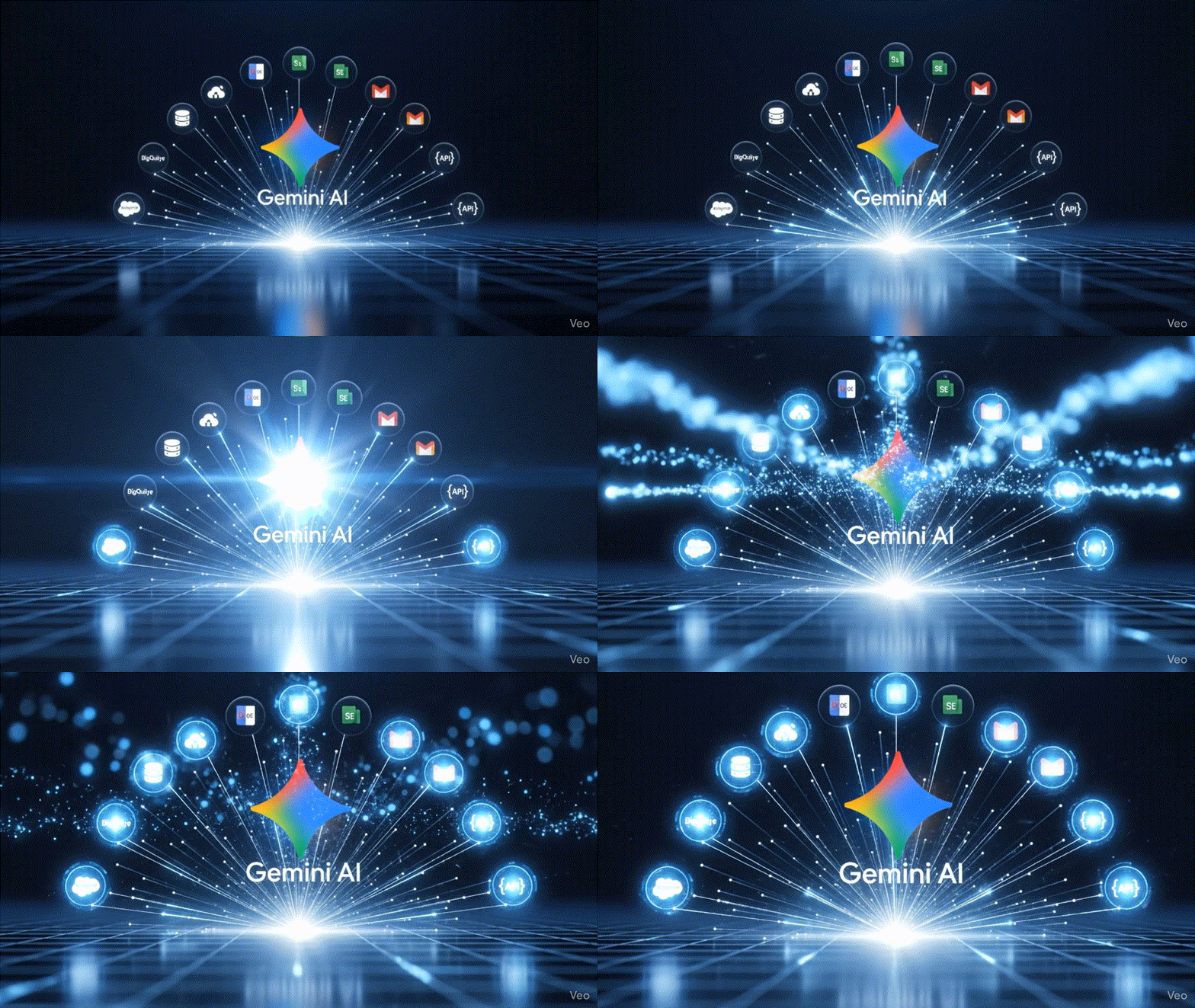
Launched in October 2025, Google Gemini Enterprise represents one of the most ambitious enterprise AI initiatives to date. More than a chatbot or productivity plugin, it is a foundational AI platform meant to transform how businesses create, automate, and interact with information. Gemini Enterprise unifies Google’s latest Gemini models (1.5 Pro and beyond) with practical, embedded applications across the Google Workspace suite and a fully managed platform for building and managing custom agents without code.
Where other tools emphasize raw model capabilities or isolated assistants, Gemini focuses on workflow integration: embedding AI into existing tools, accessing proprietary business data securely, and orchestrating repeatable tasks across departments. It reflects a strategic pivot from “AI as destination” to “AI as infrastructure.”
The product is offered in two pricing tiers:
- Gemini Business:
- $21/user/month.
- Designed for smaller organizations (up to 300 users) and includes access to Gemini in Workspace (Docs, Sheets, Slides, Gmail, Meet).
- Gemini Enterprise:
- $30/user/month.
- Adds advanced governance, access control, analytics, custom agent workbench, and full integrations with partner platforms like Salesforce, SAP, and BigQuery.